The Best Construction Scheduling Excel Templates to Keep Your Site from Crumbling

Discover top construction scheduling excel templates. Streamline timelines, avoid delays, and boost efficiency on your projects today!

Why You Need Construction Scheduling Excel Templates

construction scheduling excel templates

In the construction world, time isn't just money—it’s reputation. When we talk about construction scheduling excel templates, we aren't just talking about a digital to-do list; we are talking about the backbone of project survival. Statistics show that 45% of construction projects go over budget, and a staggering 77% face significant delays. For large-scale projects, that delay rate jumps to 98%.

Without a disciplined schedule, a project is just a series of expensive accidents waiting to happen. Here is why these templates are non-negotiable for staying on track:

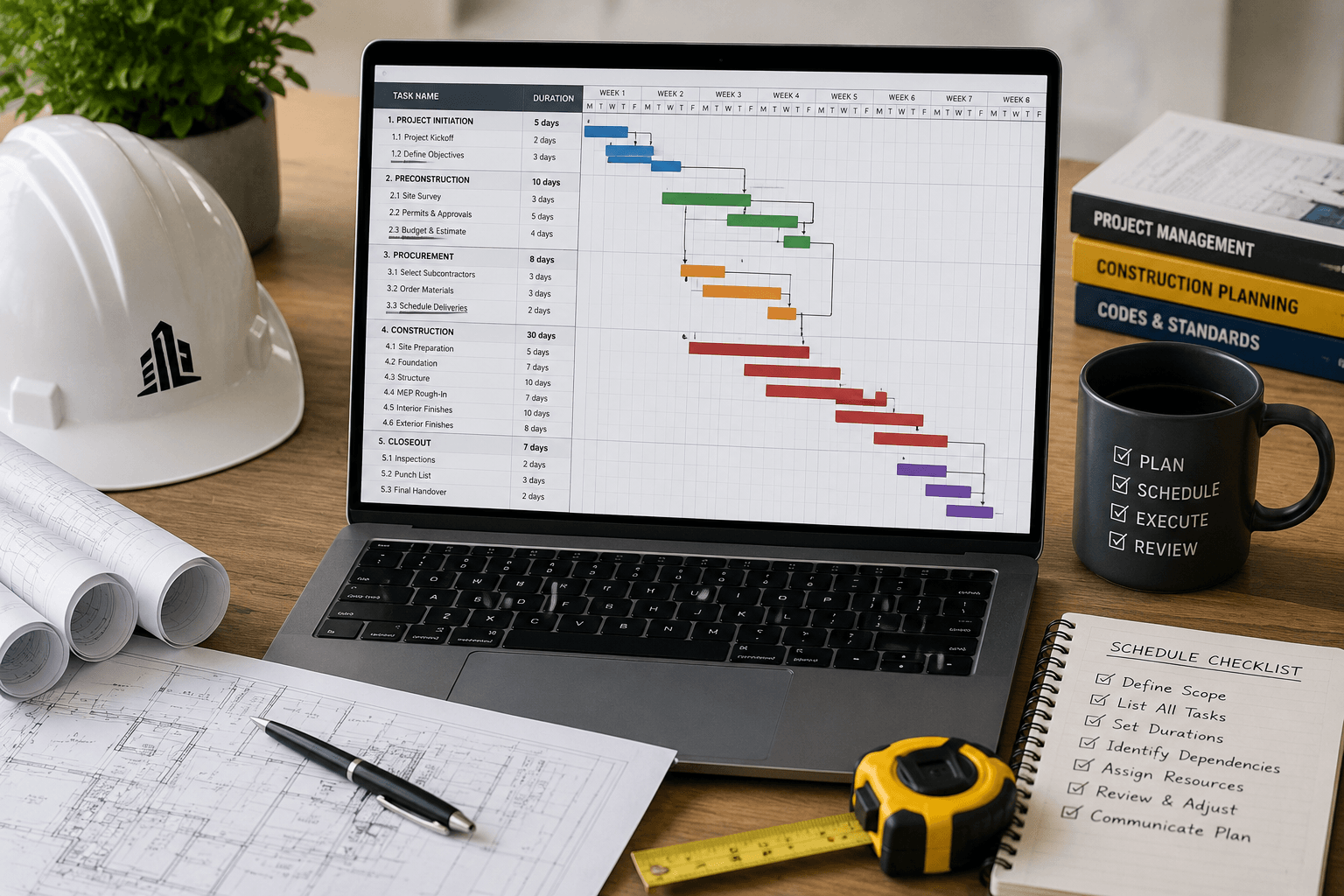
  • Identifying the Critical Path: One of the biggest advantages of using a structured template is the ability to see the "Critical Path." This is the sequence of stages that determines the minimum time needed for the project. If a task on the critical path is delayed by one day, the entire project is delayed by one day. Gantt charts help identify the critical path, which controls the overall duration of the build.
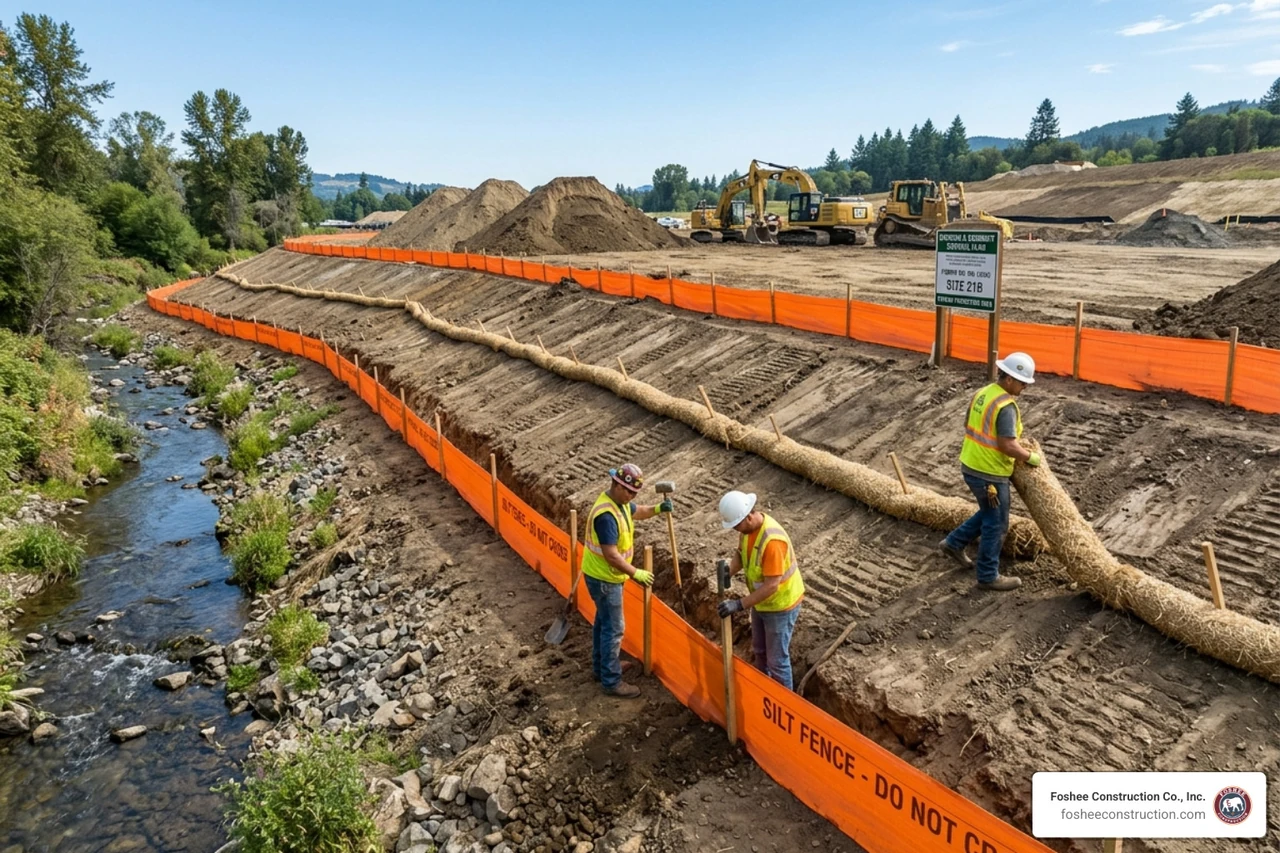
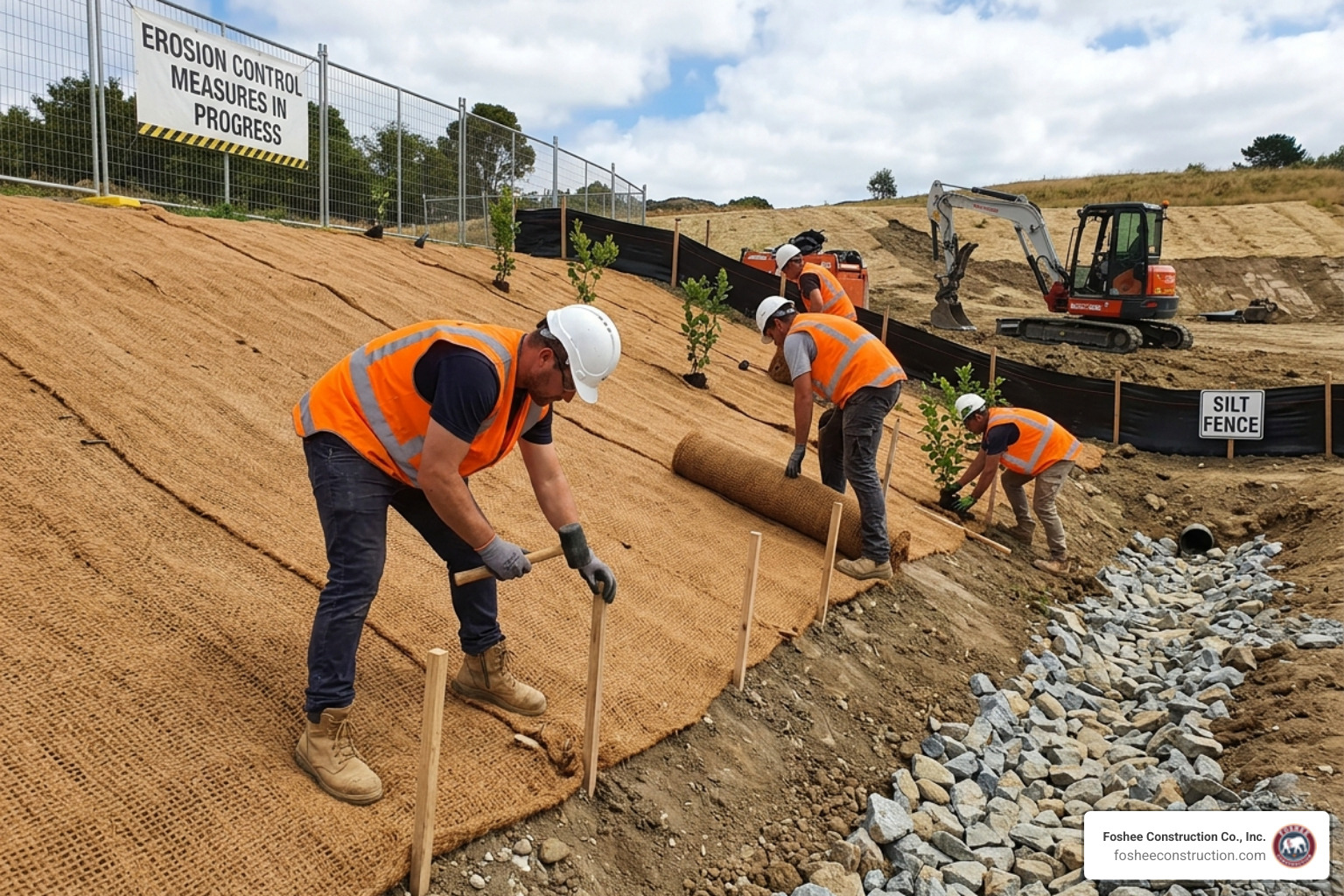
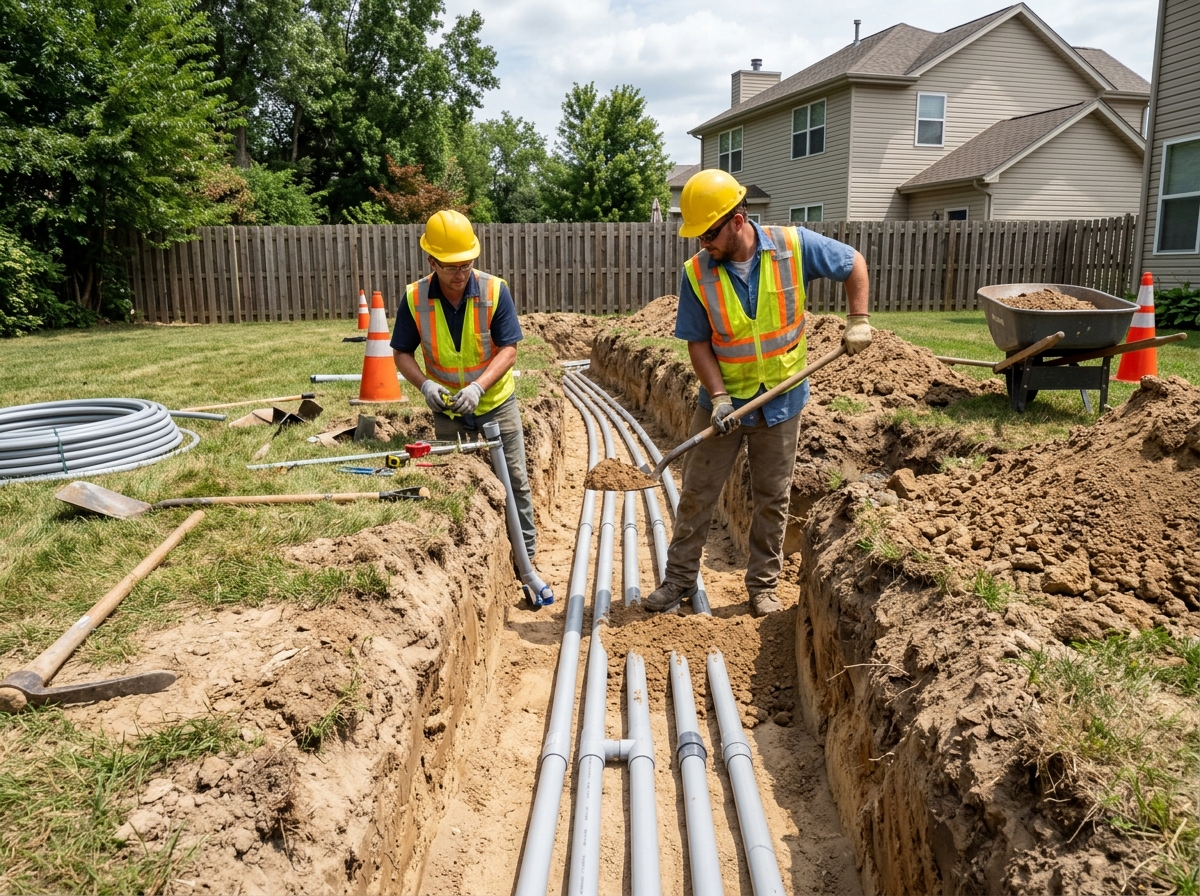
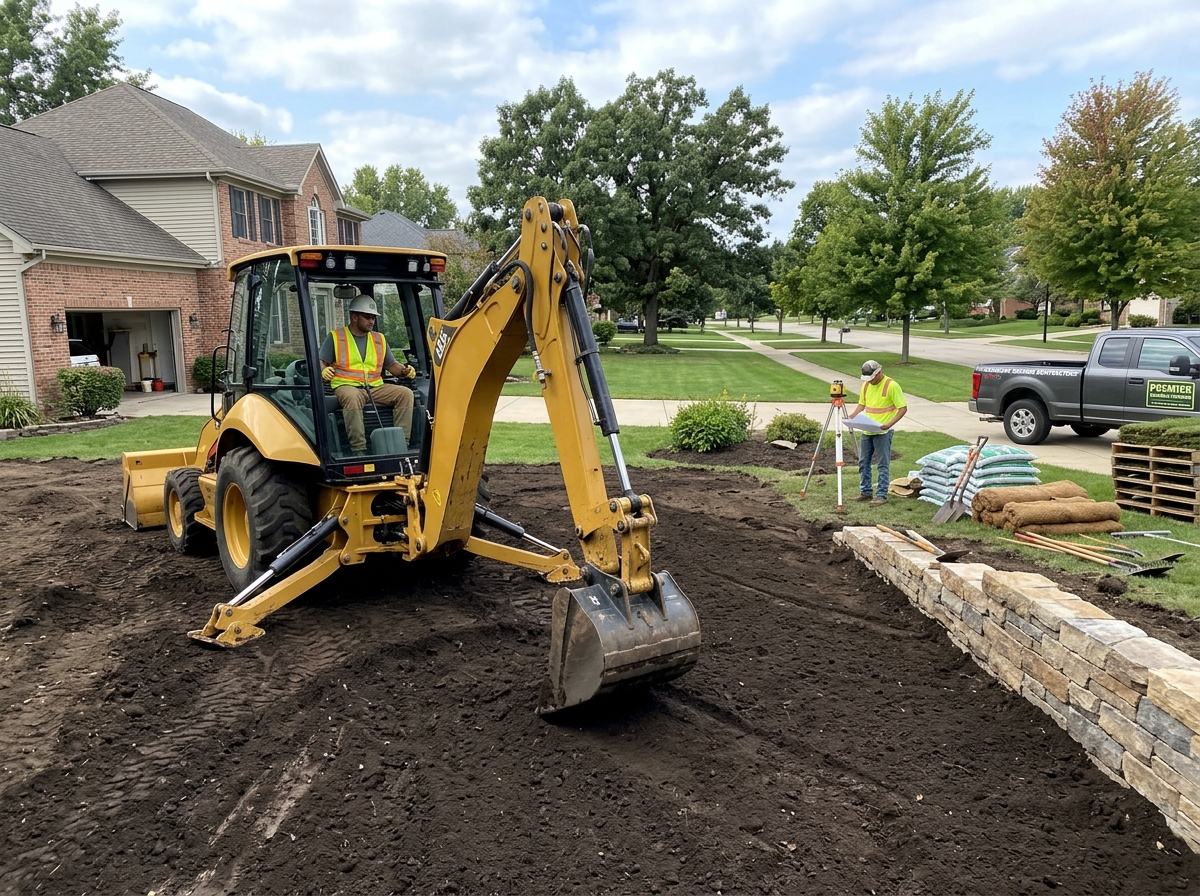
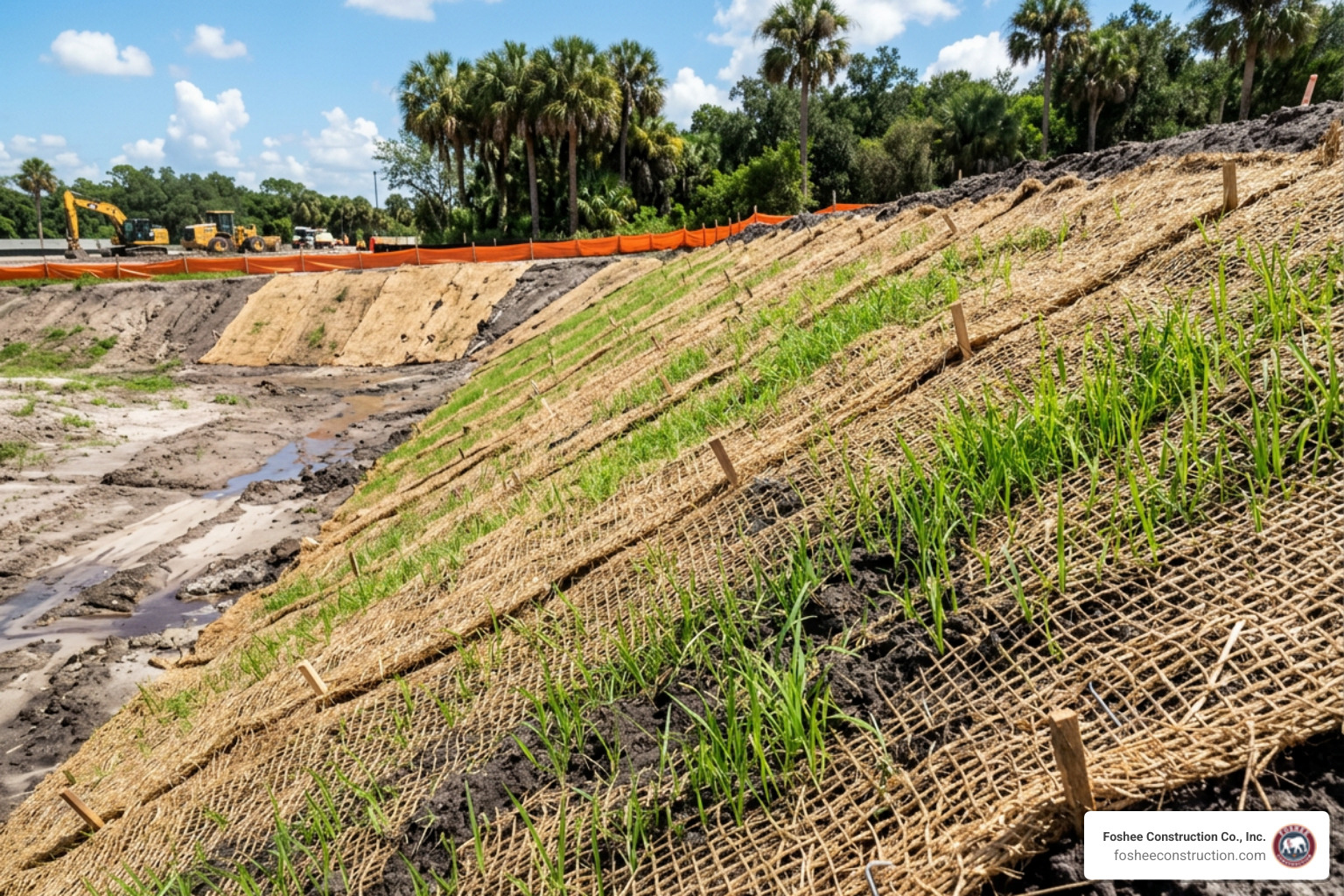
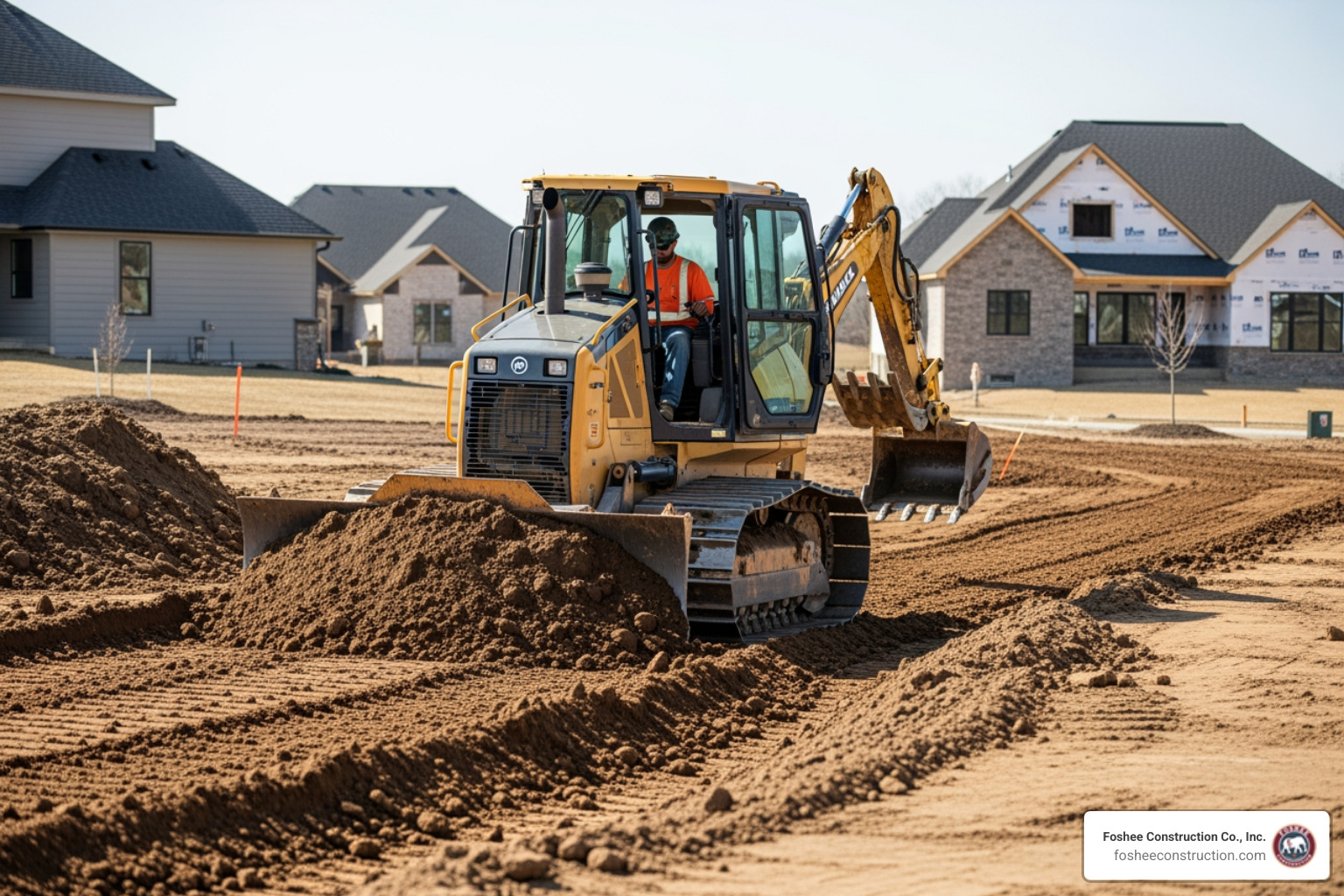
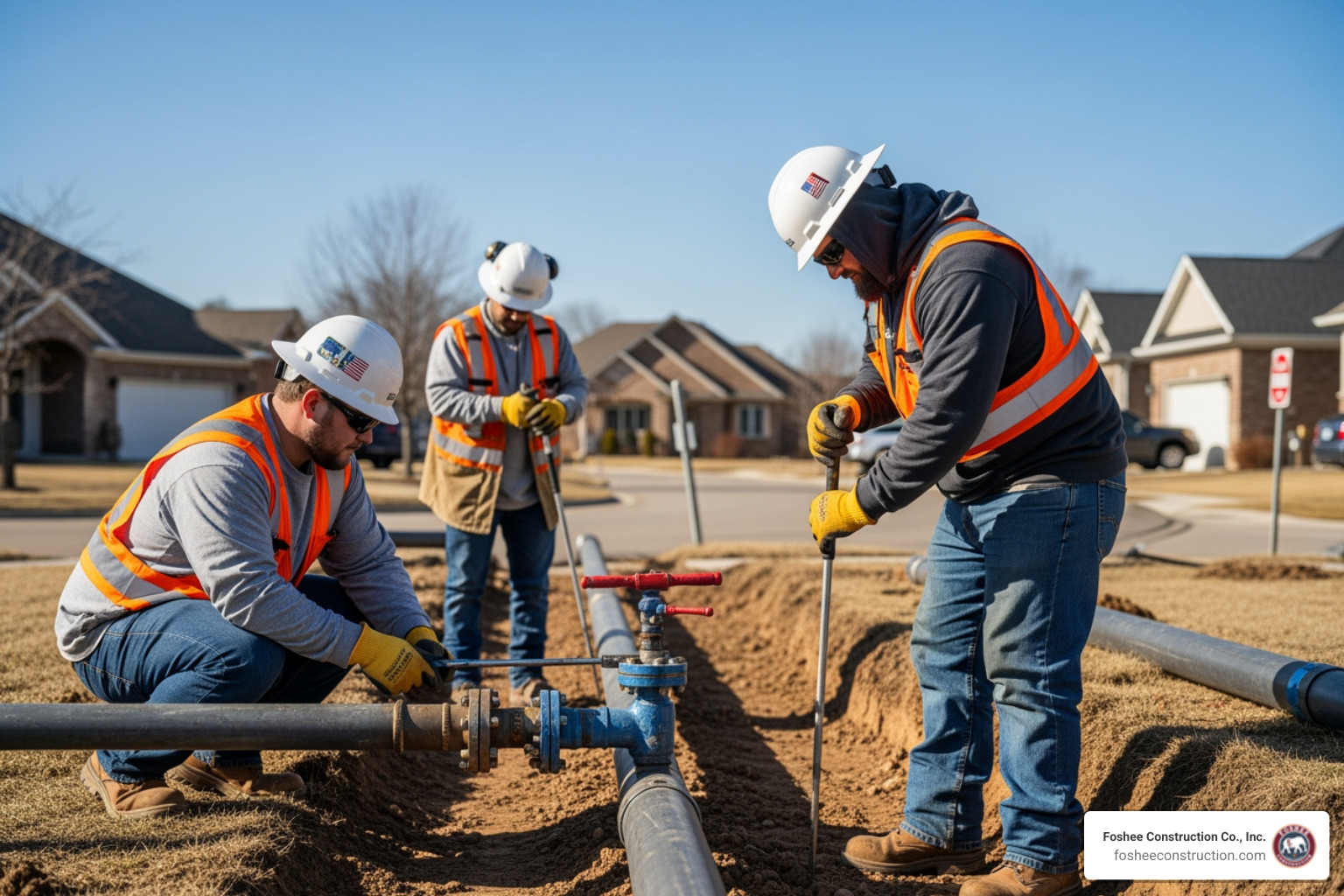
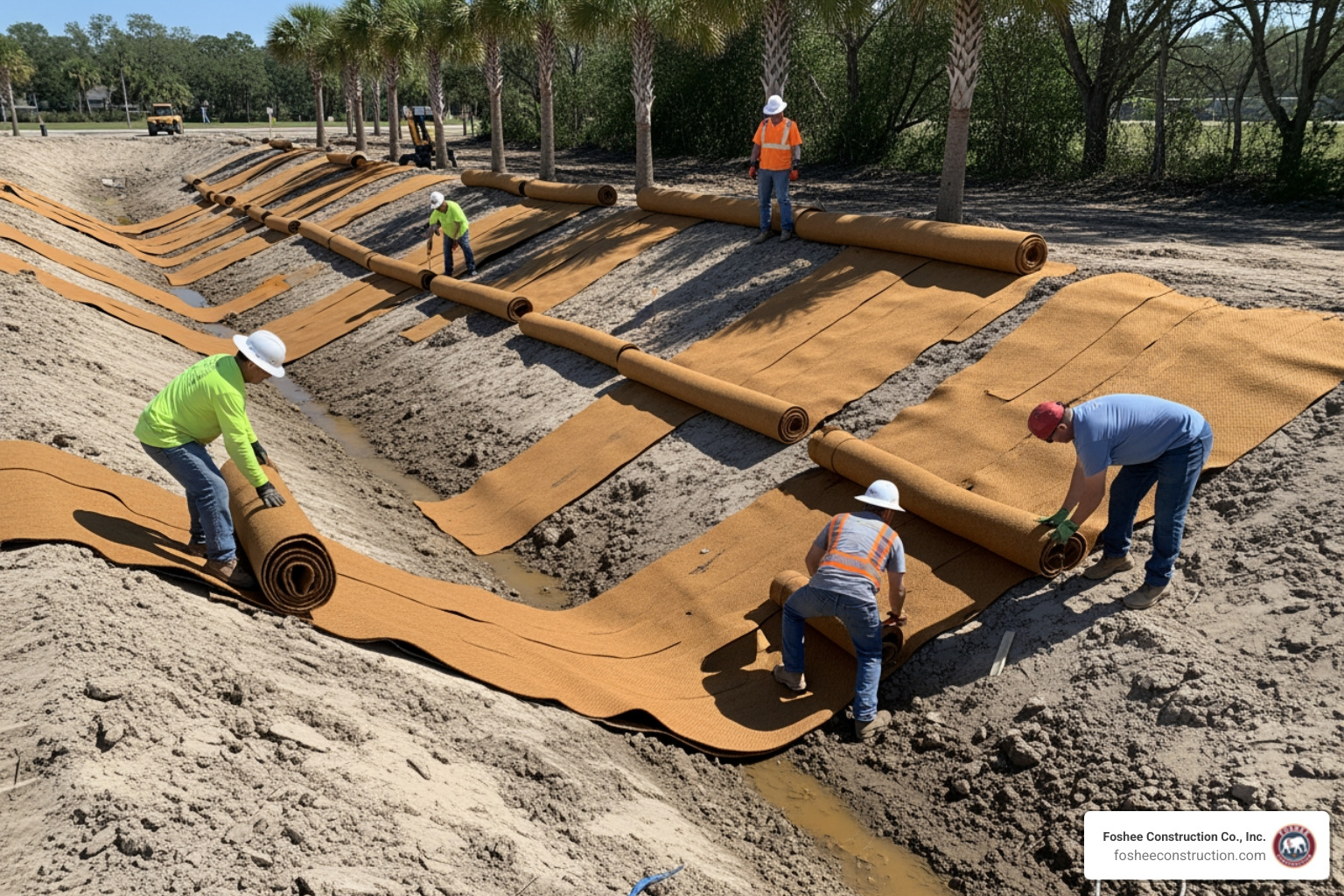
  • Preventing Cascading Delays: In construction, work happens in a natural order. You can't grade a site until erosion control is in place, and you can't lay underground utilities until the grading is right. A template helps you visualize these dependencies so one late delivery doesn't bring the whole site to a grinding halt.
  • Resource Allocation: Are you overbooking your favorite subcontractor? Do you have three crews arriving on a day when only one area of the site is ready? Templates allow you to balance your manpower and equipment, ensuring you aren't paying for idle time.
  • Risk Mitigation and Workflow Clarity: A template acts as a "living document." It provides a single source of truth for stakeholders, reducing the risk of disputes and ensuring that everyone from the site superintendent to the client knows exactly what is happening and when.

Essential Components of a Construction Schedule Template

A "pretty" spreadsheet isn't enough. To be effective, your construction scheduling excel templates must contain specific data points that reflect the reality of the dirt and the deadlines. If you are building a template from scratch or customizing a download, ensure these elements are included:

  1. Work Breakdown Structure (WBS): This is the process of breaking the project into manageable phases (e.g., Pre-construction, Site Prep, Foundation, MEP Works).
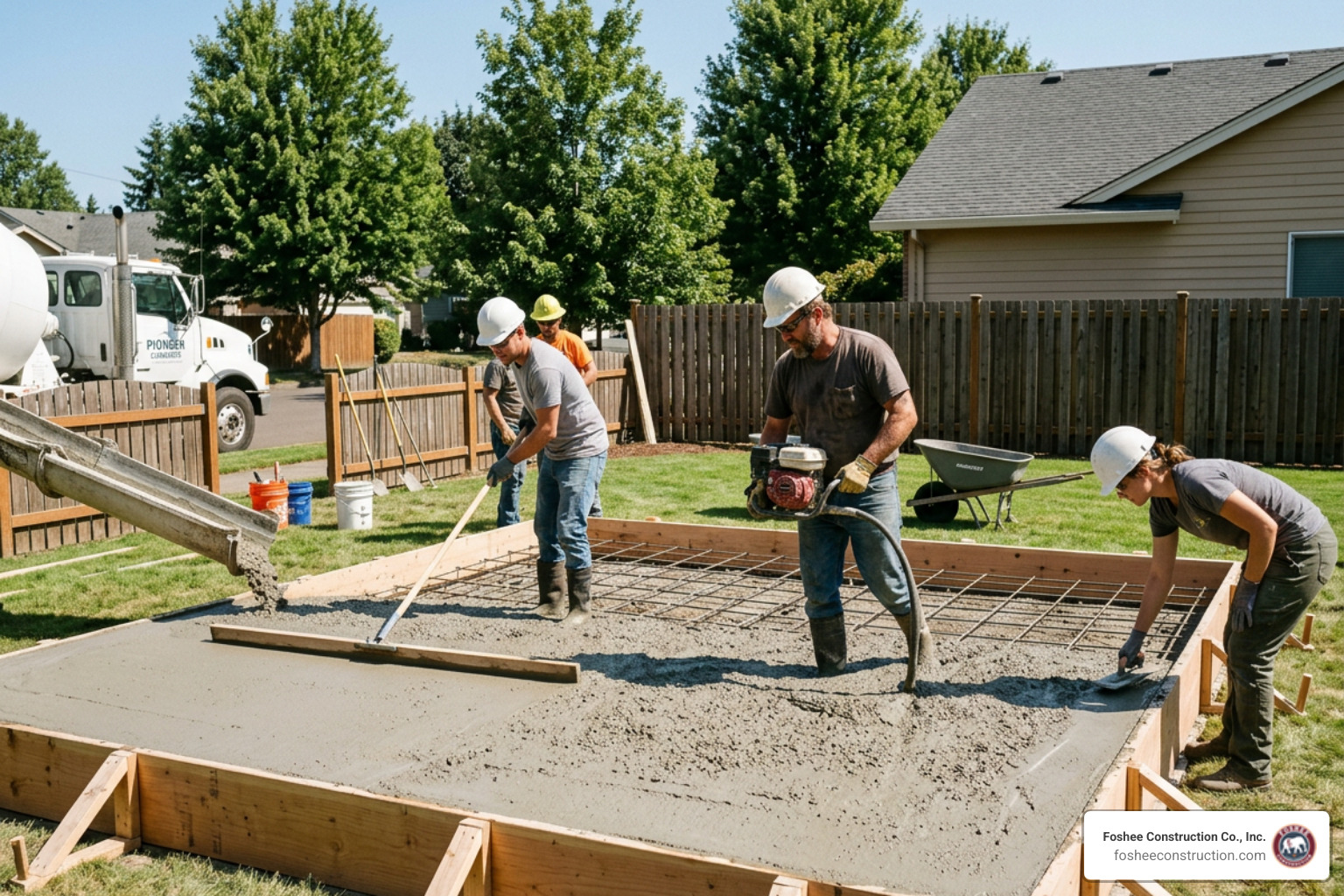
  2. Task Sequencing and Dependencies: You must clearly define which tasks must finish before the next can begin. For example, excavation must be completed before the foundation is poured.
  3. Milestones: These are fixed points in time, such as "Building Permit Approved" or "Site Grading Complete." They serve as anchor points for your timeline.
  4. Material Procurement: Lead times for materials can break a schedule. Your template should track when materials need to be ordered versus when they must arrive on-site.
  5. Subcontractor Assignments: Clearly label who is responsible for what. This prevents the "I thought the other guy was doing it" excuse.
  6. Start and End Dates with Buffer Days: No project goes perfectly. Essential templates include "buffer days" to account for Florida rain delays or unexpected soil conditions.
  7. KPI Tracking: To stay ahead of budget issues, use tools like a Construction KPI Dashboard to track performance metrics in real-time.

Top Types of Construction Scheduling Excel Templates

Choosing the right tool depends on the complexity of your job. While a simple renovation might only need a weekly list, a full site development project requires something more robust.

MethodBest ForVisual Style
Gantt ChartMost construction projectsHorizontal bar chart showing durations and overlaps.
CPM (Critical Path Method)Complex, multi-trade jobsNetwork diagram focusing on the longest path of planned activities.
PERT ChartProjects with high uncertaintyFlowchart focusing on time estimates (optimistic vs. pessimistic).
Line of Balance (LOB)Repetitive work (e.g., roads)Sloped lines showing the rate of progress for recurring tasks.

Specialized Templates for Every Need

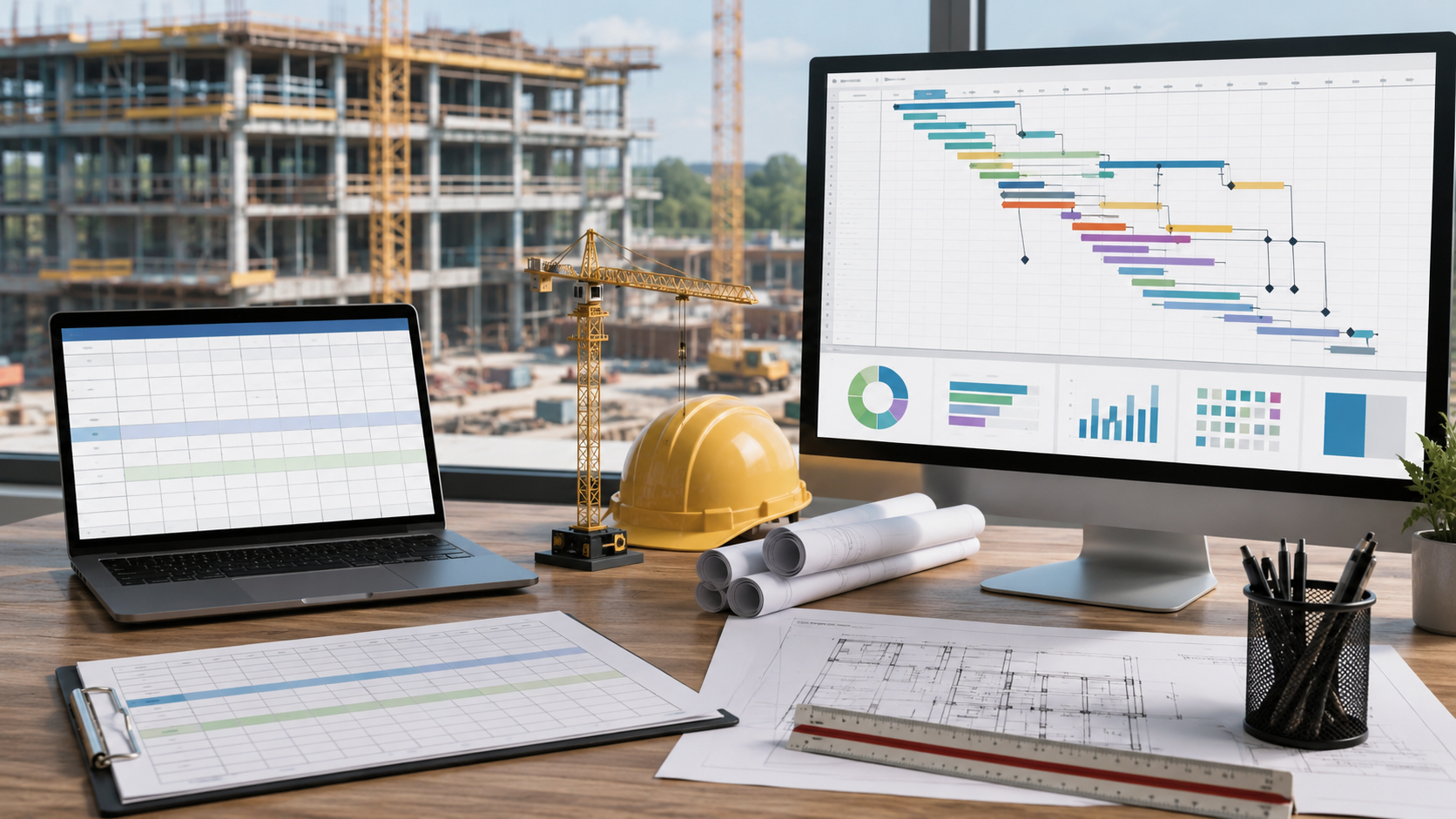
  • Gantt Chart Templates: These are the gold standard. They transform text-based lists into visual timelines. You can find 10 Free Construction Scheduling Templates for Excel, Word & Google Sheets that offer various levels of detail.
  • Monthly vs. Weekly Views: Monthly views are great for client presentations and high-level planning. Weekly views are essential for the "boots on the ground" to coordinate daily crew movements.
  • Q-Scheduling (Quantitative): This is a newer method used to track the physical quantities of materials (like cubic yards of dirt moved) at different locations and times.
  • Resource-Oriented Scheduling: This focuses entirely on the availability of your limited resources—like heavy machinery or specialized operators—rather than just the tasks themselves.

How to Effectively Use a Construction Scheduling Excel Template

Downloading a template is only the first step. To make it work for you, you need to master a few Excel "tricks" that turn a static sheet into a dynamic management tool.

Customizing Your Construction Scheduling Excel Templates

The best construction scheduling excel templates use automation to save you time. Here is how to customize yours:

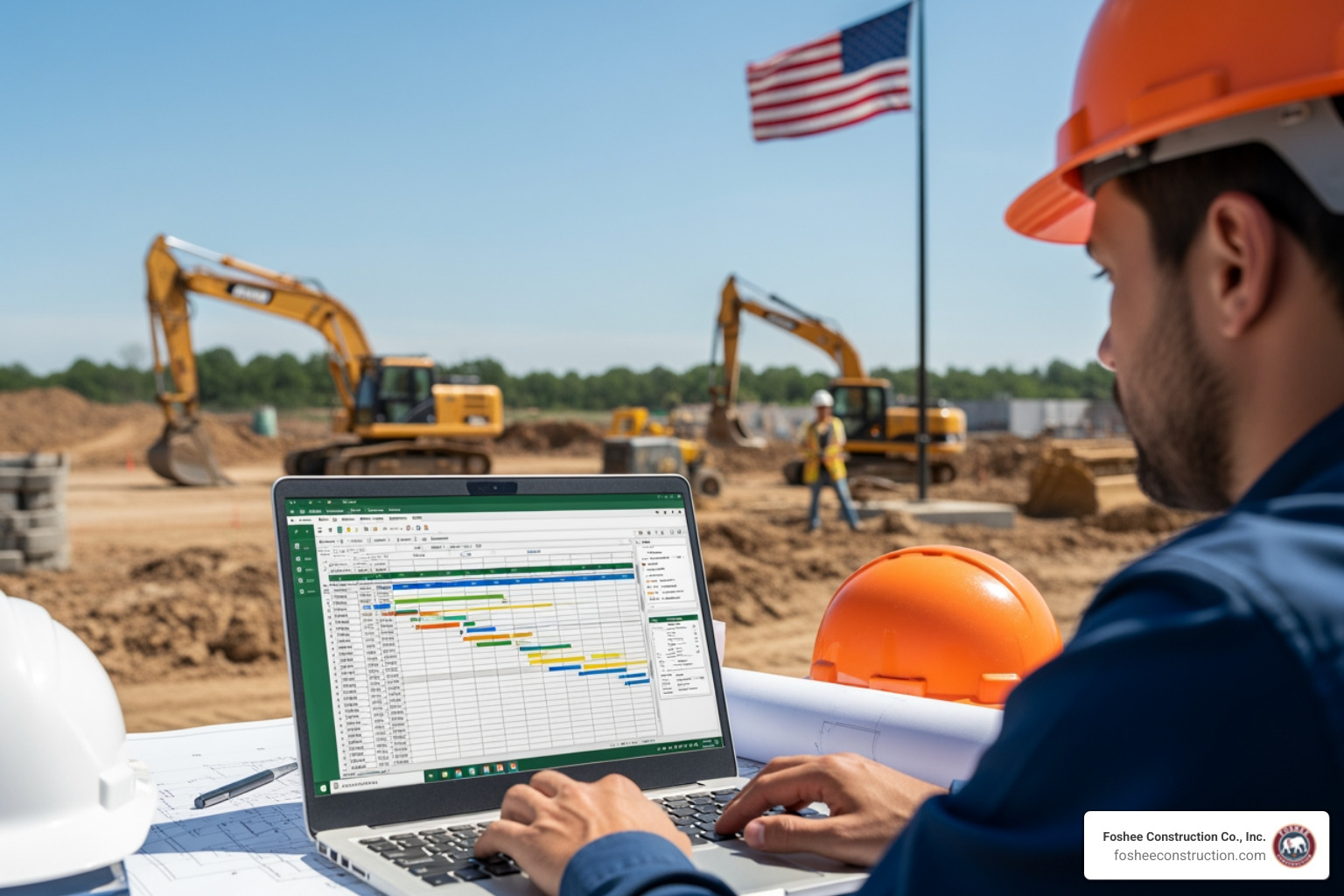
  • Conditional Formatting: This is a lifesaver. You can set rules so that if a task is overdue, the cell turns red. Or, as seen in many Construction Schedule Templates, you can use conditional formatting to automatically draw the Gantt bars based on the start and end dates you type in.
  • The WORKDAY Formula: Standard calendars don't account for weekends or holidays. Use =WORKDAY(start_date, days) to ensure your schedule only counts actual working days.
  • Data Validation and Drop-downs: Create drop-down menus for "Status" (Not Started, In Progress, Complete) or "Subcontractor Name." This keeps your data clean and prevents typos.
  • Adding Rows Correctly: Pro tip—when adding new tasks, always insert a blank row between existing formatted rows. This ensures Excel automatically copies the formulas and formatting to the new row.

Best Practices for Maintaining Your Templates

A schedule is only as good as its last update.

  • Weekly Updates: We recommend most construction teams update their schedule at least once a week. This allows you to catch a two-day delay before it turns into a two-week disaster.
  • Lookahead Planning: Use your template to create a "3-week lookahead." This is a filtered view that shows only the work coming up in the immediate future, which is what your foremen and subs need to see.
  • Baseline Comparison: Always save a "Baseline" version of your schedule before the project starts. This allows you to compare your planned progress against your actual progress to see where you are losing time.

Excel vs. Dedicated Project Management Software

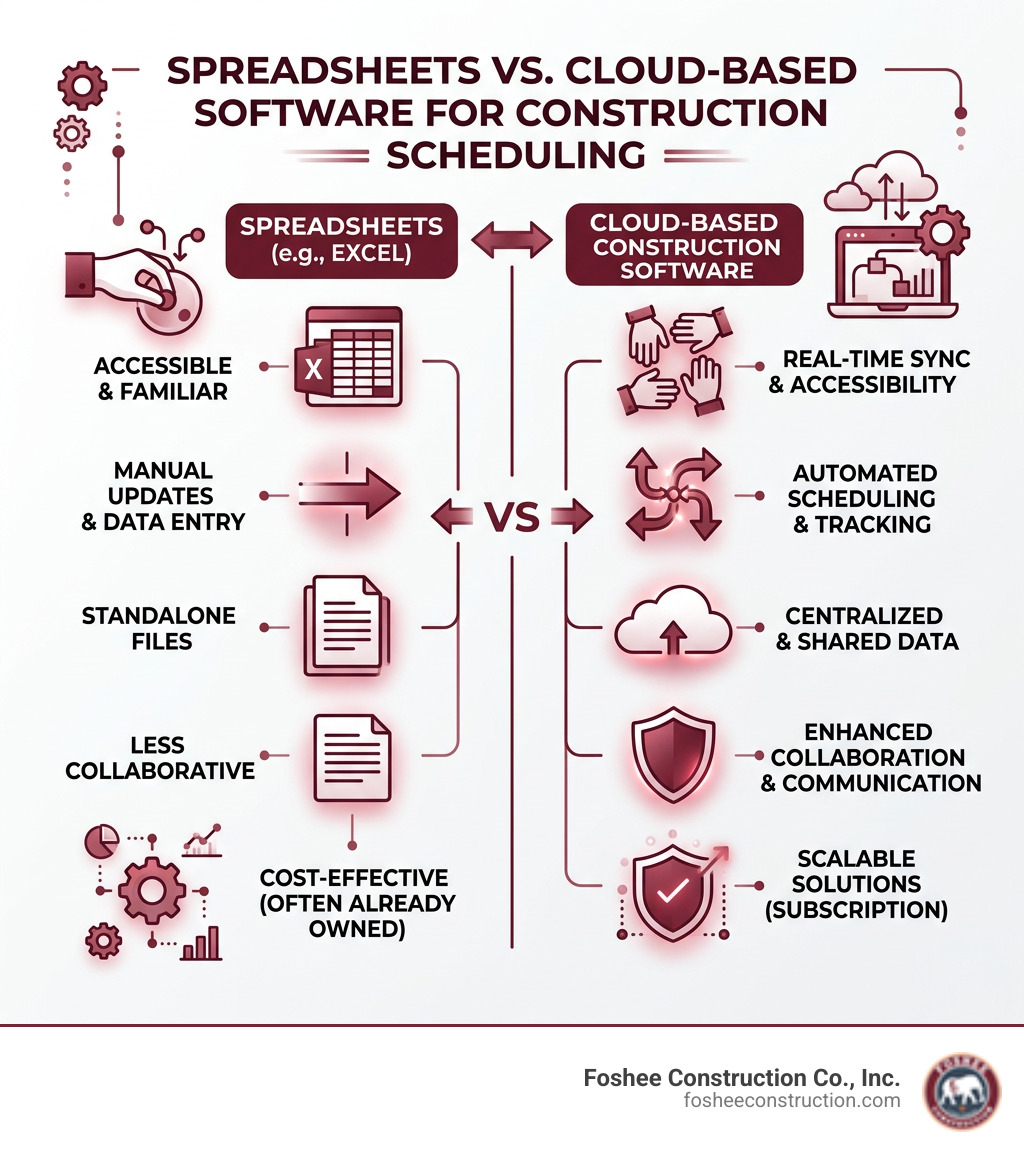
While we love a good spreadsheet, it is important to know when Excel has reached its limit.
comparison chart between spreadsheets and cloud-based software - construction scheduling excel templates infographic

The Case for Excel:

  • Accessibility: Almost everyone has Excel and knows how to use it.
  • Cost: It’s essentially free if you already have a Microsoft 365 subscription.
  • Customization: You can build exactly what you want without being forced into a specific software's "way" of doing things.

The Limitations:

  • Manual Entry: Excel requires you to manually update dates. If one task moves, you often have to manually adjust every following task unless you’ve built complex formulas.
  • Collaboration Issues: Having five people editing the same Excel file can lead to "Version Chaos." Dedicated software offers real-time cloud collaboration.
  • Mobile Access: Trying to navigate a massive, 50-column Excel sheet on a smartphone at a windy job site is a recipe for a headache.

For small to mid-sized projects, construction scheduling excel templates are usually more than enough. However, as projects scale into multi-million dollar developments with dozens of stakeholders, you may find that the manual labor of maintaining a spreadsheet outweighs the cost of dedicated software.

Frequently Asked Questions about Construction Scheduling

Who should have access to the construction schedule?

Transparency is key to a successful build. In our experience, the project manager, site superintendent, and key subcontractors must have full access to the detailed schedule. However, it is also a "best practice" to provide a simplified version to the client. This builds trust and ensures they understand why certain phases take longer than others. At Foshee Construction, we believe our transparent bids and disciplined scheduling are what keep our relationships with top contractors so strong.

How do templates help manage project delays?

Templates allow for "Proactive Management." Instead of reacting to a delay when it happens, you can see it coming. If a material delivery is pushed back three days, you can immediately see how that affects the next five tasks. This allows you to reallocate resources—perhaps moving a crew to a different part of the site that is ready—to keep the momentum going.

What is the best format for a construction schedule?

For most users, the Gantt chart is the best format. It strikes the perfect balance between being user-friendly and highly detailed. It allows you to see the "flow" of the project and the interrelationships between tasks in a way that a simple list never can.

Conclusion

Managing a construction site without a schedule is like trying to drive across Florida without a GPS—you might eventually get there, but you’ll waste a lot of gas and probably get lost along the way. Using construction scheduling excel templates gives you the roadmap you need to deliver on time and on budget.

At Foshee Construction Co., Inc., we’ve built our reputation in Minneola and across Lake County on the pillars of safety, transparency, and disciplined execution. Whether we are handling complex underground utilities, erosion control, or complete site preparation, we know that a project is only as strong as its schedule. We take pride in our reliable relationships and our ability to provide transparent bids that our clients can count on.

If you are looking for a partner for your next project in Florida who values the clock as much as the craft, we are here to help.

Learn more about our site preparation services at Foshee Construction

Latest Posts

How We Work Differently

Bid Smarter With the Right Tools

We build bids using HeavyBid and AGTEK because the details matter long before the job starts. When the numbers are accurate and the scope is clearly defined, it sets the tone for how the entire project runs. Estimating isn’t just a step in the process, it’s the foundation we build on.

Quality in the
Field

That same mindset carries into the field. Our crew is trained to work with purpose, follow the Civil Engineers’ Plan to the finest detail, and hold the line on quality. When expectations are clear from day one, there’s no need for shortcuts, and no confusion about how the work gets done.

Clear, Complete Bid Packages

Clients trust our bid packages because they’re complete and ready to use. Project managers know what we’re covering, what’s excluded, and how we plan to approach the job. That clarity removes friction and lets teams focus on execution instead of interpretation.

Proactive RFI Process

As part of our review process, we go into the plans before anything hits the site. We ask the questions early, resolve issues before they show up in the field, and keep RFIs moving. This approach prevents delays and protects the timeline.

Referred by the People Who Build

Over time, that consistency builds trust. Many of the people we work with today came through referrals from past projects – engineers, GCs, and superintendents who’ve seen how we operate and want the same experience again.

A New Chapter with Saga Infrastructure Solutions

In 2024, Foshee Construction was acquired by Saga Infrastructure Solutions, a national network of civil construction companies. Saga supports regional contractors by giving them access to better tools, long-term resources, and operational backing, without changing how they run day to day.

Foshee will continue to operate under its name, with the same team and field leadership in place.

“From the very time a project starts, we start that partnership. We try to catch as much as we can with the tools that we have. Not everybody is using the software platforms we are. That’s the differentiator: we’re not just bidding. We’re anticipating, problem-solving, and making sure the job runs right.”


— Don, CEO, Saga Infrastructure Solutions

Get in Touch

Foshee is now part of a broader regional strategy that includes Florida, the Piedmont Atlantic, Texas, Colorado, and the Arizona Sun Corridor. The name, crews, and standards remain. What’s improving is the support behind it.